Design & Development: Principles, Process, and Best Practices for Digital Creation
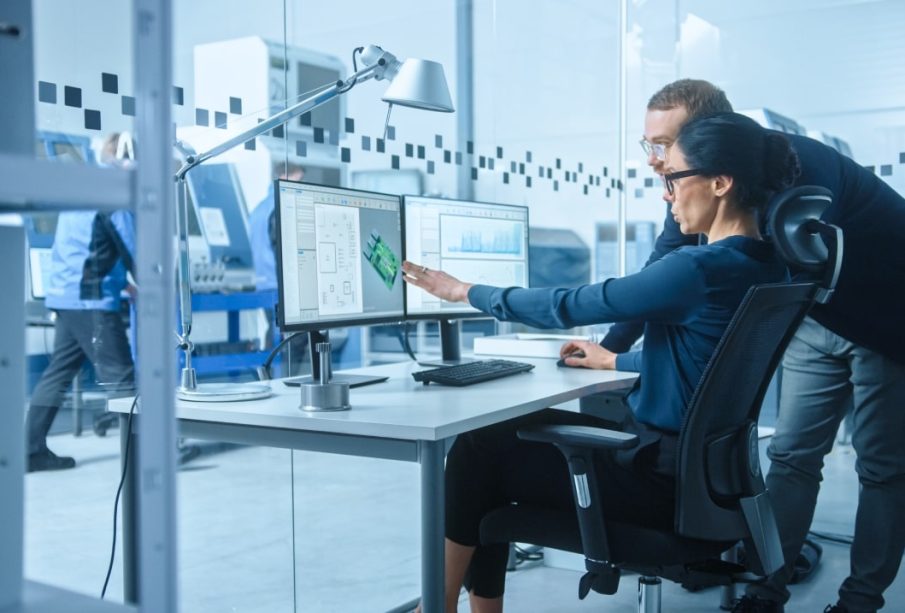
Design and development are the foundation of every digital solution, from websites and mobile apps to complex software systems. These two disciplines blend creativity with technical execution, resulting in experiences that are visually appealing, functional, and user-friendly.
Understanding the Relationship Between Design and Development
Design shapes how a product looks and how users interact with it, while development turns those ideas into working technology. When both areas work in harmony, the final outcome becomes more consistent, scalable, and aligned with user needs.
Benefits of Integrating Design and Development
-
Ensures a cohesive and intuitive user experience
-
Reduces project delays and miscommunication
-
Improves accessibility and overall product usability
-
Strengthens long-term maintainability and performance
Key Pillars of Digital Design
Digital design goes far beyond aesthetics. It focuses on solving problems, guiding user behavior, and ensuring clarity in every interaction.
Essential Design Principles
-
Simplicity: Clean layouts reduce cognitive load and drive user focus
-
Hierarchy: Strategic placement and sizing highlight what matters most
-
Consistency: Uniform typography, spacing, and color enhance usability
-
Accessibility: Inclusive design ensures everyone can use the product
Core Elements of Design
-
Typography: Impacts readability and brand tone
-
Color Systems: Create mood and establish visual identity
-
Layout & Spacing: Shape the flow of content and interactions
-
Interactive States: Provide feedback for user actions
The Development Side of Digital Creation
While design provides the blueprint, development brings everything to life using code, frameworks, and logical architecture.
Primary Areas of Development
-
Front-End Development: Focuses on visuals, interactivity, and user-facing features
-
Back-End Development: Manages databases, servers, and application logic
-
Full-Stack Development: Combines both front-end and back-end skills
-
Quality Assurance: Ensures the product is stable, secure, and bug-free
Core Development Practices
-
Writing clean, modular code
-
Following version control workflows
-
Implementing automated testing
-
Prioritizing performance optimization
The Modern Design & Development Workflow
A structured process ensures that digital products evolve efficiently and with clear direction.
Typical Workflow Stages
-
Research & Discovery
Understanding user pain points and project goals. -
Wireframing & Prototyping
Translating ideas into visual layouts and interactive prototypes. -
Interface Design
Applying brand elements, colors, and final UI components. -
Development Implementation
Converting designs into functional features using appropriate technologies. -
Testing & Refinement
Conducting usability tests, quality checks, and resolving issues. -
Deployment & Maintenance
Launching the product and ensuring ongoing updates and support.
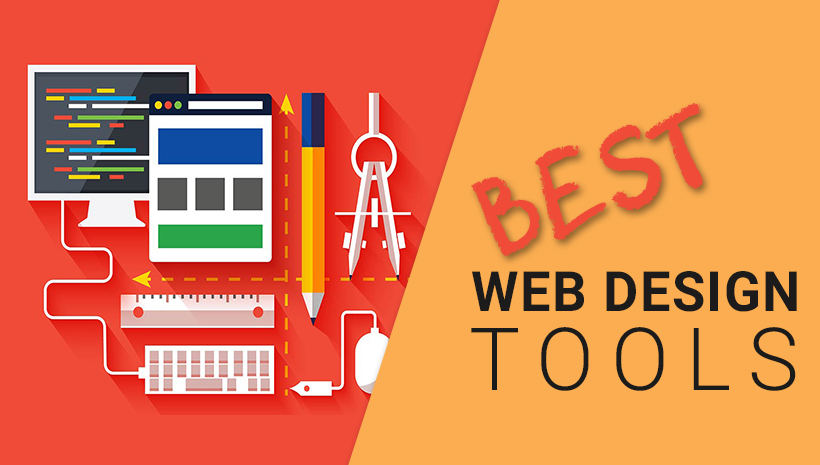
Tools That Power the Design & Development Process
Different tools shape the workflow at each stage, helping teams create efficiently and collaborate seamlessly.
Popular Design Tools
-
Figma
-
Adobe XD
-
Sketch
-
Canva (for lightweight visual design)
Trending Development Tools & Technologies
-
HTML, CSS, JavaScript
-
React, Vue, Angular
-
Node.js, Django, Laravel
-
Git & GitHub for version control
-
Docker for containerized environments
Best Practices for Strong Design & Development Collaboration
To build successful digital products, teams must communicate effectively and respect each other’s areas of expertise.
Collaboration Tips
-
Share early prototypes to avoid late revisions
-
Maintain a shared design system for consistent UI
-
Use agile methodologies for flexibility
-
Conduct regular feedback meetings between designers and developers
-
Document decisions to reduce misalignment
Why Design & Development Matter More Today Than Ever
As users demand faster, cleaner, and more intuitive experiences, the relationship between design and development becomes essential. High-quality digital products rely on seamless integration between visual creativity and technical engineering. Together, they shape the digital experiences people rely on every day.
FAQs
1. What is the difference between design and development in digital projects?
Design focuses on user experience and aesthetics, while development turns those concepts into functional technology.
2. Why is prototyping important before development begins?
Prototyping validates ideas early, reduces risks, and prevents costly rework during development.
3. What skills are essential for a modern UI/UX designer?
Key skills include user research, wireframing, interaction design, visual design, and proficiency with design tools like Figma.
4. How long does the design and development process typically take?
Timelines vary depending on project size, but structured workflows help ensure efficiency.
5. Why is responsive design crucial today?
Users access products from multiple devices, so interfaces must adjust seamlessly across screen sizes.
6. What coding languages are most commonly used in web development?
HTML, CSS, and JavaScript are foundational, along with frameworks like React, Vue, or Angular.
7. How do design systems help development teams?
Design systems maintain consistency, reduce redundancy, and speed up both design and coding.